One base_url change. Per-engineer attribution, budgets, and routing to the
cheapest model that will pass, for Claude Code, Cursor, Codex, and eleven backends. Runs on your machine;
no markup on tokens.
Free to $500 saved·one binary·localhost-only·honest receipts
The best ideas for cutting agent cost arrive one at a time: a repo, a thread, a benchmark run once. We read eighteen of them and re-authored what held up in Go, against measurements on our own traffic rather than against their READMEs. A good deal of what ships here is our own. The list of what is not is published: every project we learned from, named, with what we took from each.
Read from the provider's own billing fields, not computed by us. Your numbers depend on your workload, which is why the dashboard shows a receipt per request.
Our own machine, six weeks (Aug 31 to Oct 14, 2026). Only savings beyond the provider's own prompt caching count; their discount is not ours to claim.
| Number on your dashboard | What it means | Whose credit |
|---|---|---|
| Saved by Prefex | What routing, trimming and limits added beyond the native caching you already get free. | Prefex |
| vs no optimization at all | Every token repriced at full strong-model rate with no caching discount. The bigger number, shown only for context. | mostly the provider's free caching |
One proxy in front of the client you already use. A local dashboard accounts for every cent.
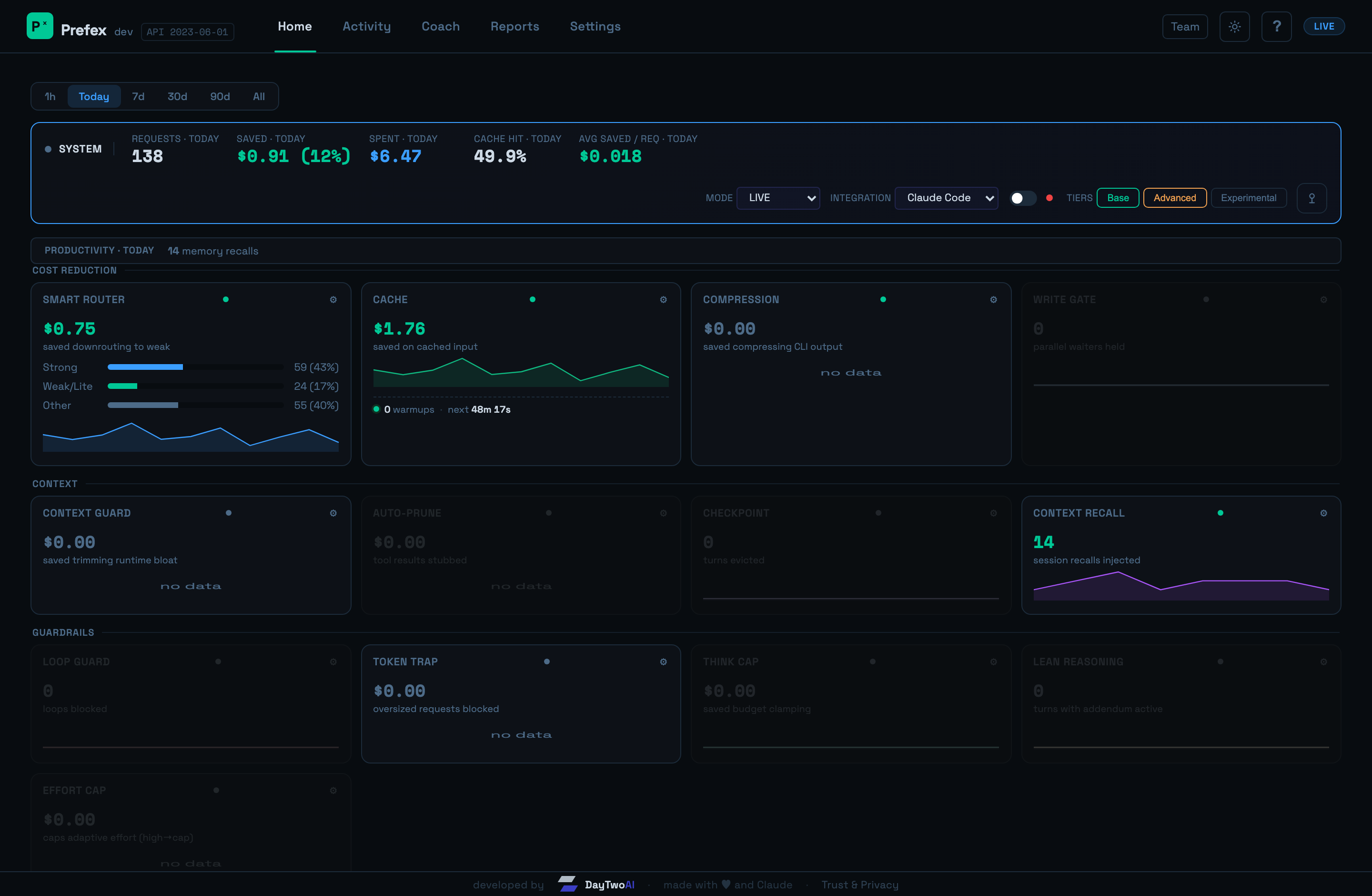
Each turn goes to the cheapest model that will pass it, and the hard ones stay with the senior. The router explains every decision, and you can overrule it per project.
Prefix stabilization and a cache warmer keep cached context hot, and the re-write is pre-paid before a model switch or a proxy stop, so there is no cold-turn spike.
Lossless-first compaction of tool output, logs and JSON. Cache-boundary-safe, and every lossy cut is recoverable.
Facts from your sessions, and a handover note when one ends, reach the next session in the same project. Strictly project-scoped.
Loop guards and think-caps stop runaway turns before they bill, and a sentinel flags cold cache writes and spend spikes on your status line.
Allow, alert or block on every tool call with an embedded OPA bundle or your own OPA server. Starts in observe mode, with a signed, hash-chained audit.
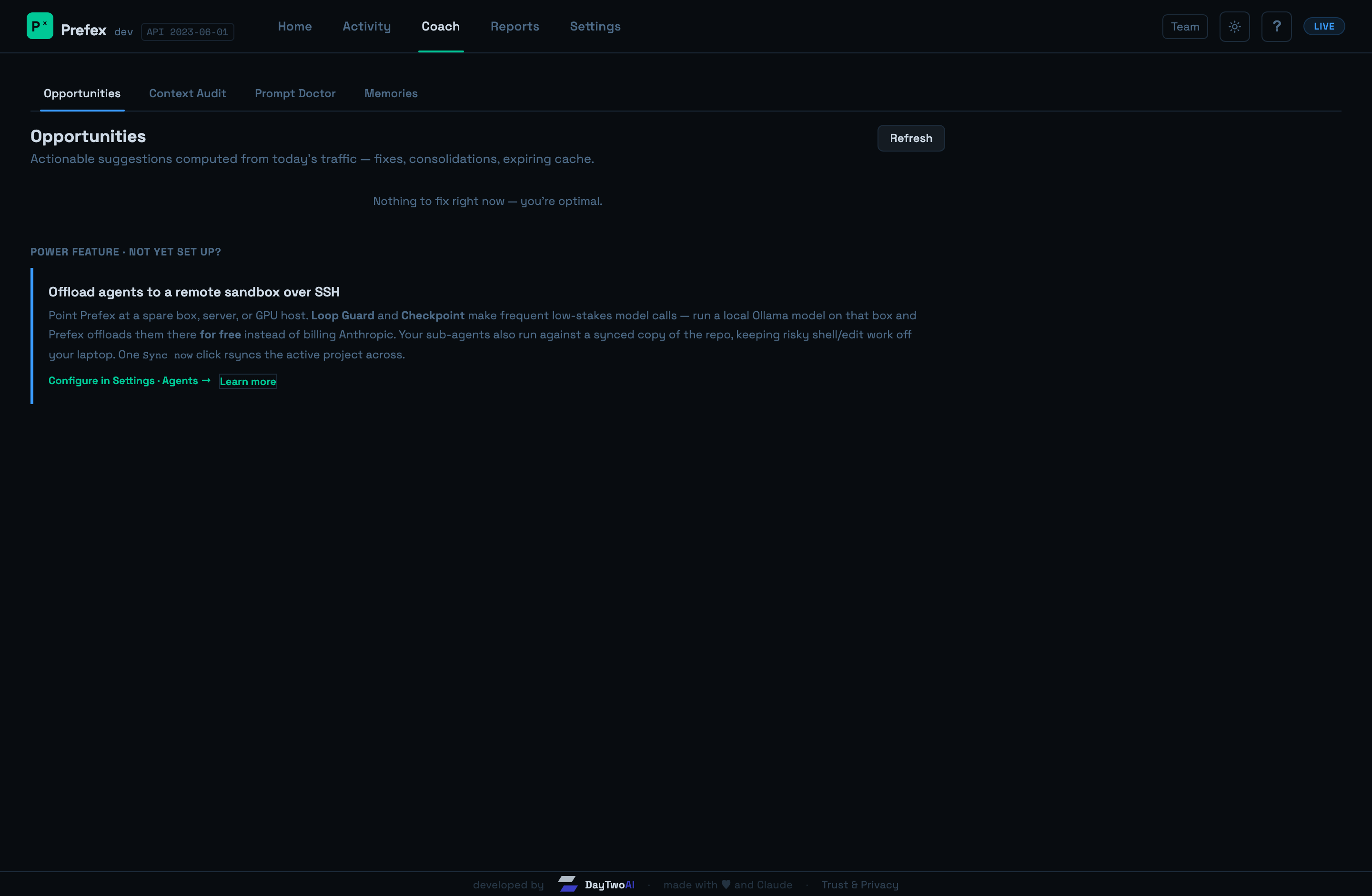
Savings attributed per mechanism, in incremental terms, and surfaced inline while you work.
prefex wrap codex (or claude, aider, opencode) routes any tool through the same daemon: one dashboard, one ledger, per-tool attribution.
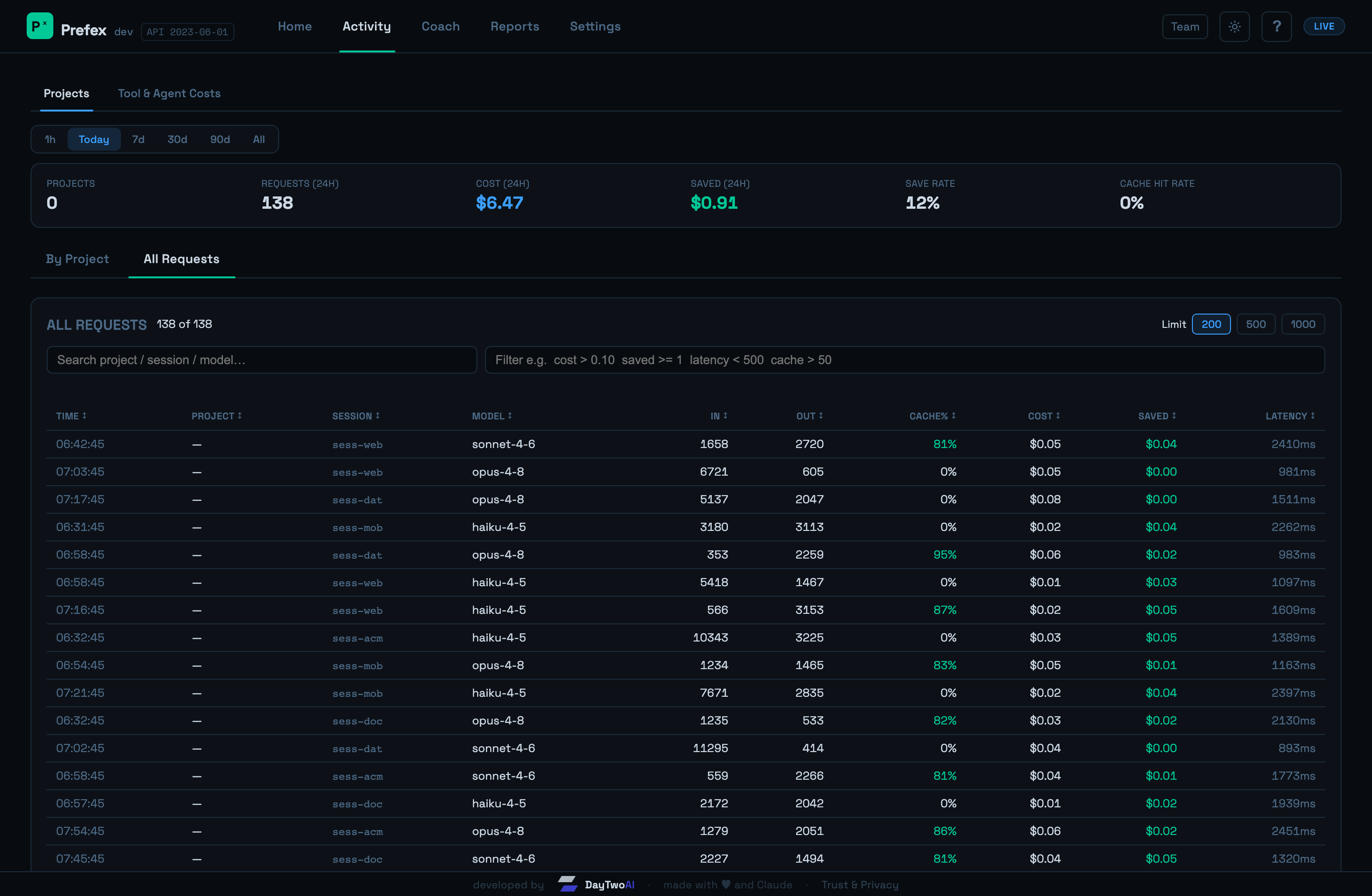
A local dashboard at localhost:8019: honest savings per request, every layer, full control. No account, localhost-only, no auth.
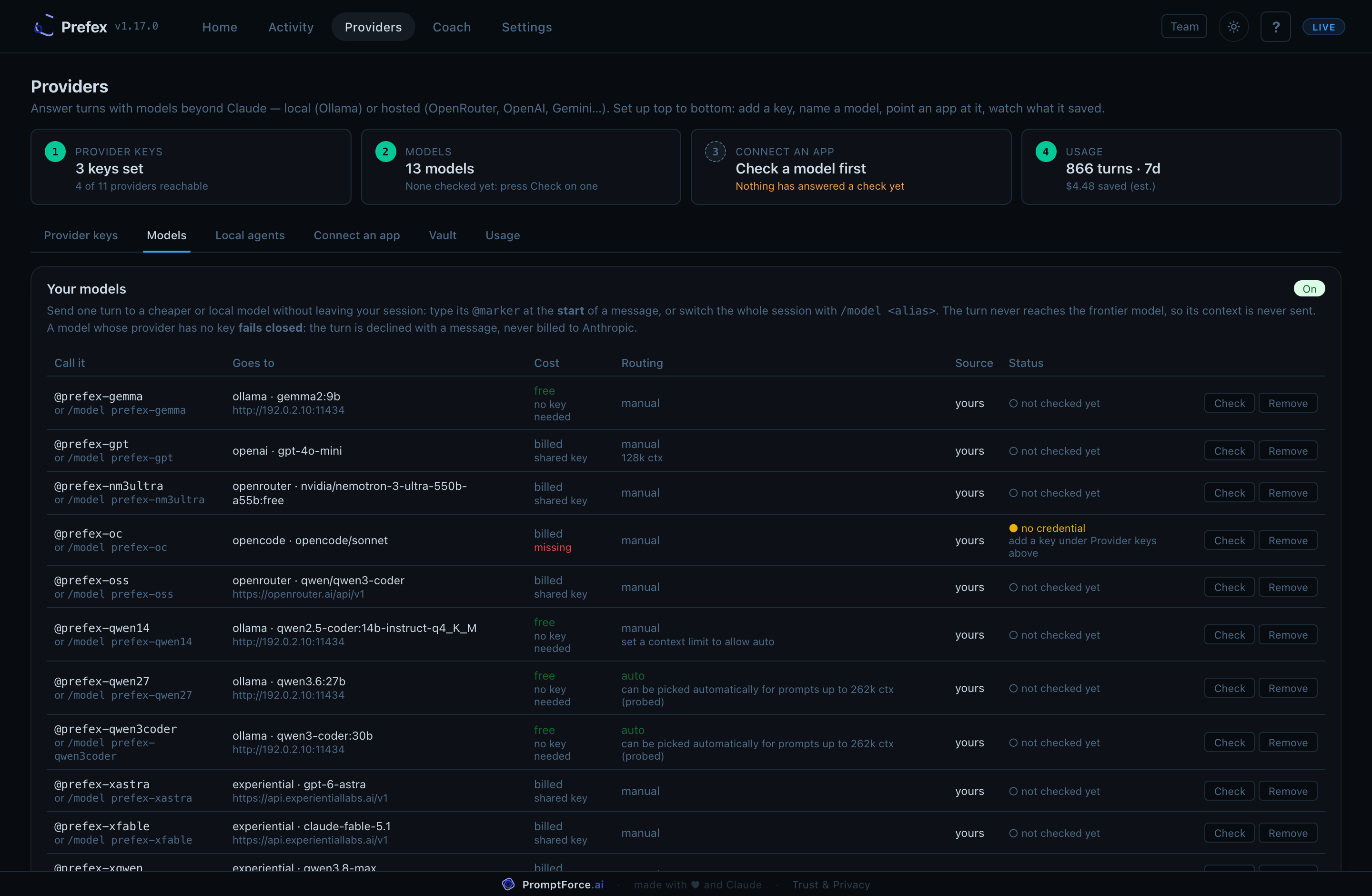
@prefex-<name>, switch a session with /model, or point any app at it.
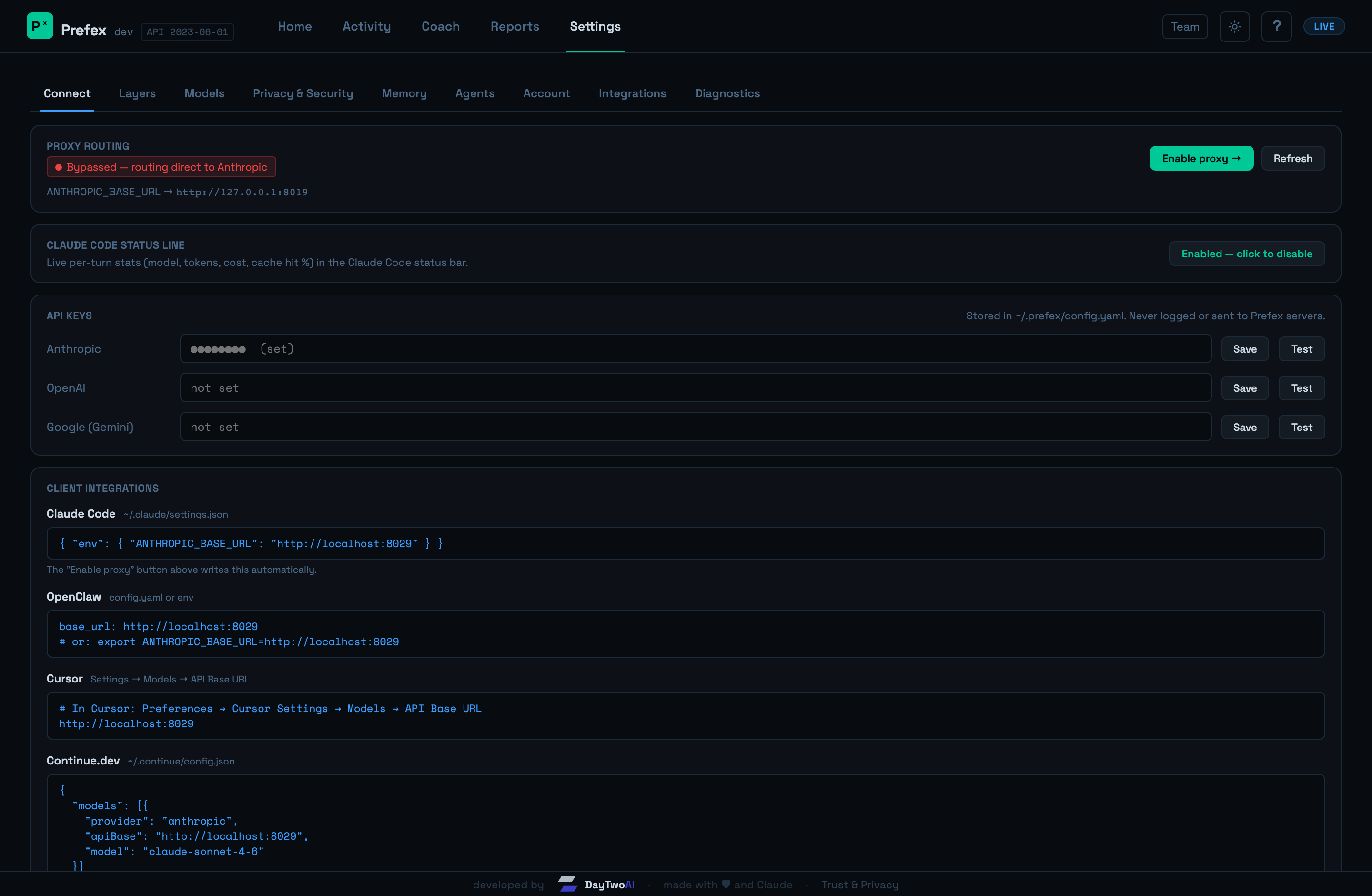
// real traffic, project names replaced · dashboard is localhost-only and the data behind it stays on your machine
Try the full toolkit on your own machine, no strings. Add team features when you are ready.
Every optimization layer, the full dashboard and team mode for any number of people, free until it has saved you $500 beyond native prompt caching. After that you keep $4 of every $5 it saves. No credit card. Prompts and keys go only to the provider that serves them.
Shared caches, organization-wide routing policy, per-developer attribution, budgets and spend alerts, SSO, and consolidated billing, built on the same single binary. Available on request, tailored to your setup.
The app installs Prefex and ReadyBase, connects Claude Code and Codex, and keeps savings in your menu bar. Free until Prefex has saved you $500 beyond native caching, no credit card.
Already have a client pointed somewhere else? Prefex is one value:
ANTHROPIC_BASE_URL=http://localhost:8019
Prefex is a proxy that runs on your own machine in front of the AI coding tools you already use, such as Claude Code, Codex and opencode. You point the tool at it with one setting. It keeps the provider's prompt cache from going cold and routes each request to a model that fits it, and the dashboard shows what that saved beyond the provider's native caching.
No. Requests go from your machine to the provider you already use, and the dashboard runs on localhost. The exception is a side job you choose to hand to a free model with /pf-delegate or @prefex-auto: it goes to that model under a privacy level. Anything with credentials or personal data stays on your own machines, and only a short general question may reach a provider that trains on inputs.
Prompt caching is the provider's feature, and it only pays when the start of each request stays the same byte for byte. Prefex keeps it that way and keeps idle caches warm. On our own usage, keeping the cache alive is most of the saving, and compacting large tool output is a smaller second part. The dashboard reports what Prefex saved beyond native caching separately from what caching saves on its own.
Prefex is free until it has saved you $500 beyond native prompt caching, with no credit card. After that it costs 20% of what it saves you each month, and a month it saves nothing costs nothing. Team mode is included and a team pays on combined savings, with no seat fee. Pricing.
Yes, for side jobs. /pf-delegate, or a message that starts with @prefex-auto, hands a self-contained task to a free model from providers such as OpenRouter or Vercel, or to an Ollama server you run. Prefex decides where it may run with its own rules, so choosing costs no tokens from your main model, and your main conversation stays on the model you picked.
Yes. One machine runs Prefex as the team hub and teammates join it over HTTPS with an invite. The invite carries the hub's certificate fingerprint, so prefex join can trust it without system changes. Admins see spend per developer and can set budgets and model limits.
Prefex runs entirely on localhost. Prompts and responses go only to your LLM provider. Side jobs you choose to hand to free models with /pf-delegate or @prefex-auto go to those models, at the privacy level the job allows; anything with credentials or personal data stays on your machines. The one automatic report is an anonymous daily usage summary, counts only, off with prefex toggle usage-reporting off. If any internal
component fails, requests pass through to the upstream API unchanged. Prefex never blocks a request because of its own failure.
Uninstall is one command. It stops Prefex, restores settings.json, and (with --purge) deletes ~/.prefex.